
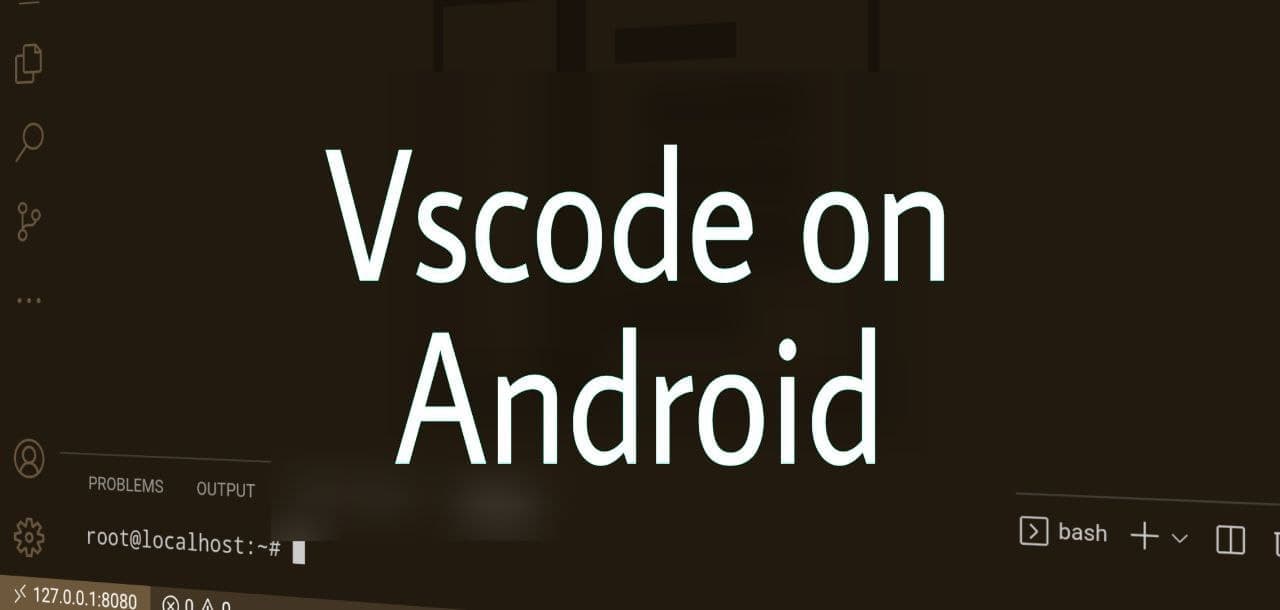
How to install Vscode(code server) on Android for that quick action moment.
You don't need root for any of this
I'm a developer from India. I'm currently a CS student and a part-time full-stack developer. I do freelancing looking for projects to contribute.
You look really awesome, I would be glad to hear from you.
Well, welcome to Monday morning blues. Today we will try to install Vscode on an android device. So let's get started.
Firstly, The Introduction Code server is a project from Coder.com. They take your development environment to the cloud with ease. They have a special Docker version also. Check them out if you're interested.
Secondly, the old boring Requirements
- The only requirement here is Termux. Install it from F-droid. If you don't know F-droid, you are missing some very cool things out there. Download

Now the command stuff.
1. After installing Termux, open it so it can install binaries. After that, we have to update repos and upgrade packages. To do it run
pkg update
pkg upgrade
2. Allow storage access to Termux to read files from /sdcard (not necessary)
termux-setup-storage
3. Now there are two routes the easy way and the hard way. We will do it the easy way by installing Debian on top of termux. The hard way is directly installing the code-server on termux without Debian. As this step is a little bit buggy and needs workarounds we don't recommend it but in case you can.
3.1 Installing Debian
pkg update -y && pkg install wget curl proot tar -y && wget https://raw.githubusercontent.com/AndronixApp/AndronixOrigin/master/Installer/Debian/debian.sh -O debian.sh && chmod +x debian.sh && bash debian.sh
3.2 Run the following commands to setup Debian
apt update
apt upgrade -y
apt-get install nano vim sudo curl wget git -y
3.3 We need to install NVM because currently as of writing the article code-server needs nodev14.x so we have to explicitly install it. So to do it run
curl -o- https://raw.githubusercontent.com/nvm-sh/nvm/v0.39.1/install.sh | bash
After this, you can restart your shell by exiting from Debian and Termux and logging in again. To start Debian run this from termux shell
./start-debian.sh

3.4 Last part of the setup, install nodejs 14.x by running
nvm install 14
nvm use 14
4. Now we are all set up to install code-server.
4.1 Firstly use this command to check all necessary dependencies
curl -fsSL https://code-server.dev/install.sh | sh -s -- --dry-run
4.2 Secondly to actually install it, run this
curl -fsSL https://code-server.dev/install.sh | sh
Now you can start code-server by running
code-server

Also note it asks you for a password you can get by the config.yaml file by running
vim .config/code-server/config.yaml

##Hurray! Here is your code-server running. Happy coding.

Upgrade
- Remove all previous installs
rm -rf ~/.local/lib/code-server-* - Run the install script again
curl -fsSL https://code-server.dev/install.sh | sh